
Live TV & News
Live television broadcasts in real time according to network broadcast schedules. Send us your specific channel names and local affiliate requests. Inquire about regional feeds and EPG guide availability.
Check Availability →MASSIVE CHANNEL DIRECTORY
Which live channels, sports broadcasts, or movies do you want to watch?
Tell us your specific network names and regional preferences. Confirm current availability before ordering.
On This Page
SEARCH BY CHANNEL NAME
Search for channels or browse by country and category. USA major networks and premier sports are prioritized. Confirm specific feed availability before ordering.
Reference list of major US broadcast channels and national sports networks. Check your specific channel before ordering.
Channel availability, regional blackouts, and resolution tiers (FHD, 4K, 8K) depend on source provider streams and active server nodes. Logos and channel marks belong to their respective copyright holders.
Source catalog curated for verified North American and international IPTV subscribers.
Live television broadcasts in real time according to network broadcast schedules. Send us your specific channel names and local affiliate requests. Inquire about regional feeds and EPG guide availability.
Check Availability →
Tell us your sport, league, tournament, or specific fixture and game date. An image or channel name alone does not confirm a specific event feed. Check broadcast language and backup stream feeds.
Check Availability →
Video-on-Demand (VOD) allows you to start movies on your own schedule whenever a title is in catalog. Send the movie title and release year to ensure the exact film version is confirmed.
Check Availability →A show's presence in the catalog doesn't automatically mean all seasons and episodes are available. Provide the series title, requested seasons, and subtitle requirements.
Check Availability →
Looking for a specific documentary special or dedicated documentary network? Specify the title and whether you prefer linear channels or on-demand streaming. Verify audio and subtitles separately.
Check Availability →List children's shows, desired languages, and any subtitle needs. Configure parental controls within your chosen player app. Content availability and app filtering are distinct settings.
Check Availability →Illustrative imagery does not guarantee inclusion of a specific show, movie, or sporting rights in your package. Lineups, language audio, and subtitle tracks are subject to regular updates.
CHECK YOUR FAVORITES
Enter your most critical channels or shows, audio preferences, and your device type. After verifying availability, you can compare subscription passes and request a 24-hour free trial. A pre-filled inquiry opens directly in WhatsApp with zero commitment.
BEFORE YOU CHOOSE
Test your essential channels on your own television hardware before purchase, rather than judging quality solely by marketing labels or claims.
Send the channel's exact network name and market affiliate using the request form above. Make sure your preferred channel is part of your selected tier. This page is not an exhaustive real-time directory. Always verify current availability during your 24-hour test before purchasing a paid pass.
Subtitles and alternate audio tracks depend on the source broadcast stream. Ask about specific titles or channels ahead of time, as subtitle availability on one network does not guarantee subtitles across all channels. Ensure your player app supports multi-track audio selection.
No. The Electronic Program Guide (EPG) displays scheduled broadcast times and program metadata. It does not automatically enable recording or cloud catch-up playback. Catch-up availability varies by server node, stream rights, and player app capabilities.
First, test alternative channels to determine if the issue affects a single feed or all stream playback. Follow our Troubleshooting Runbook. For hardware guidance, see our Device Compatibility Guide.
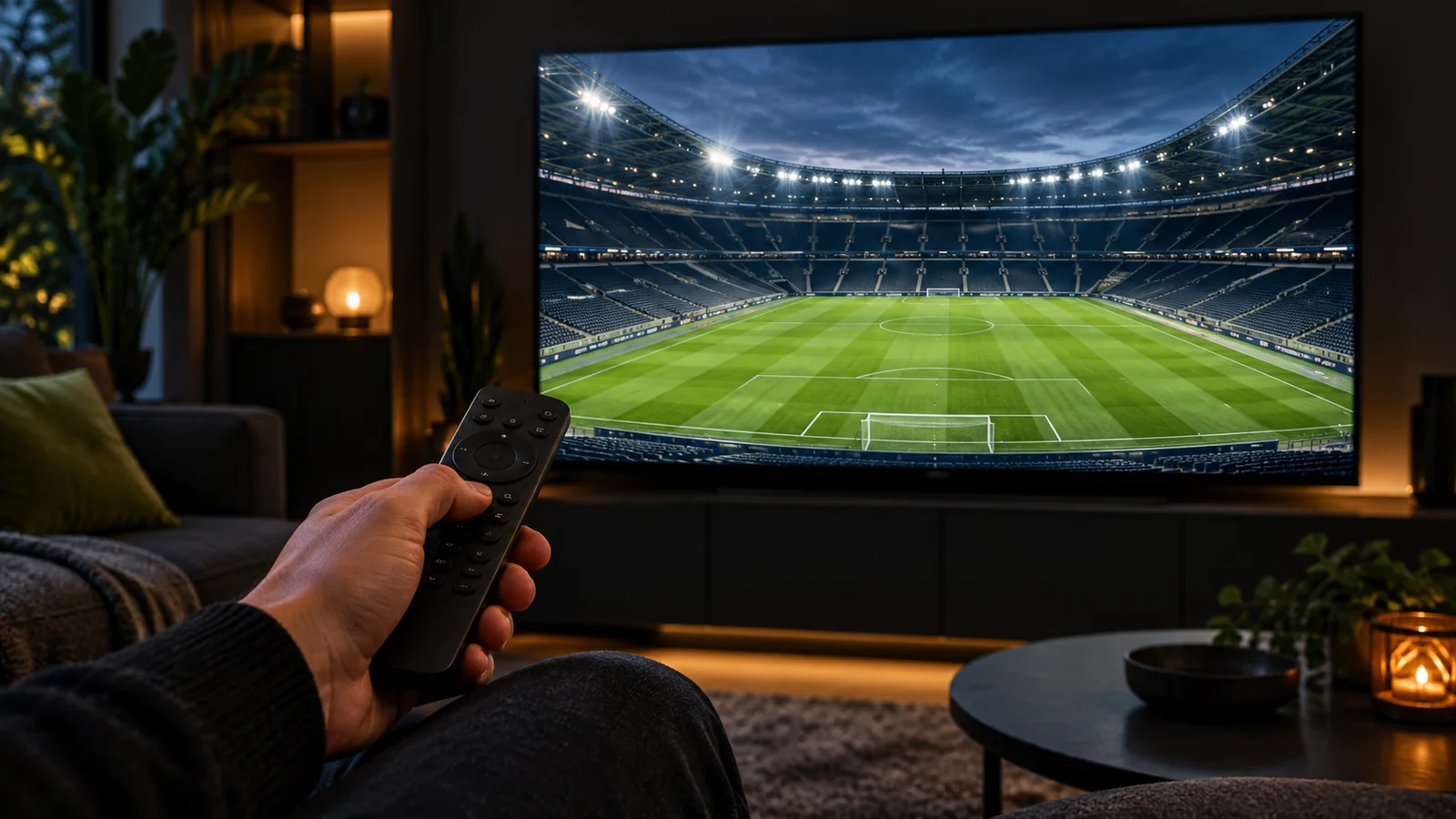
Pick a handful of specific broadcasts you actually watch regularly: for example, a live evening newscast, a sporting match, and an episode of a drama series. Simply scrolling through thousands of channel names in an EPG reveals far less than watching a live feed for 15 minutes. Open your most critical channels on the exact device and home connection you plan to use daily.
Keep brief notes of your test so any issues can be quickly addressed:
If program guide timestamps appear offset, first verify the clock and timezone settings on your streaming box or smart TV. Compare guide times against the broadcaster's official published schedule. Determine whether the offset applies to a single channel or the entire guide. This distinguishes missing EPG data from a simple device timezone mismatch.
If you require catch-up playback, ask specifically about that exact channel and time slot: can past broadcasts be replayed, for how many hours, and with which player software? Never assume catch-up exists simply because a player displays playback arrow icons in the guide.
During active playback, open your player app's audio and subtitle settings menu. Confirm that the language options listed correspond to real audio and text tracks. If audio and subtitles drift out of sync, note the channel name, program title, and your chosen language track.
Test whether subtitle preferences persist when changing channels or moving to the next episode. A player's default language setting does not force all external stream feeds to carry that language track. On a living room TV, also verify text legibility from your normal viewing distance.
If your player software supports a favorites folder, start by adding only the 15 to 20 channels you watch on a weekly basis. Group them into intuitive categories like Sports, News, Movies, and Family. Favoriting channels makes navigation fast with a remote control, but does not alter source stream availability.
If a bookmarked favorite fails to open, locate the same channel within the main channel group to check for alternative feeds. Avoid deleting the entire app as a first troubleshooting step, as this wipes your personalized settings. If issues persist, submit a support ticket detailing the channel name and device model.